Import from your broker's file (3 min)
Updated 8 October 2026
On this page
Pick your broker
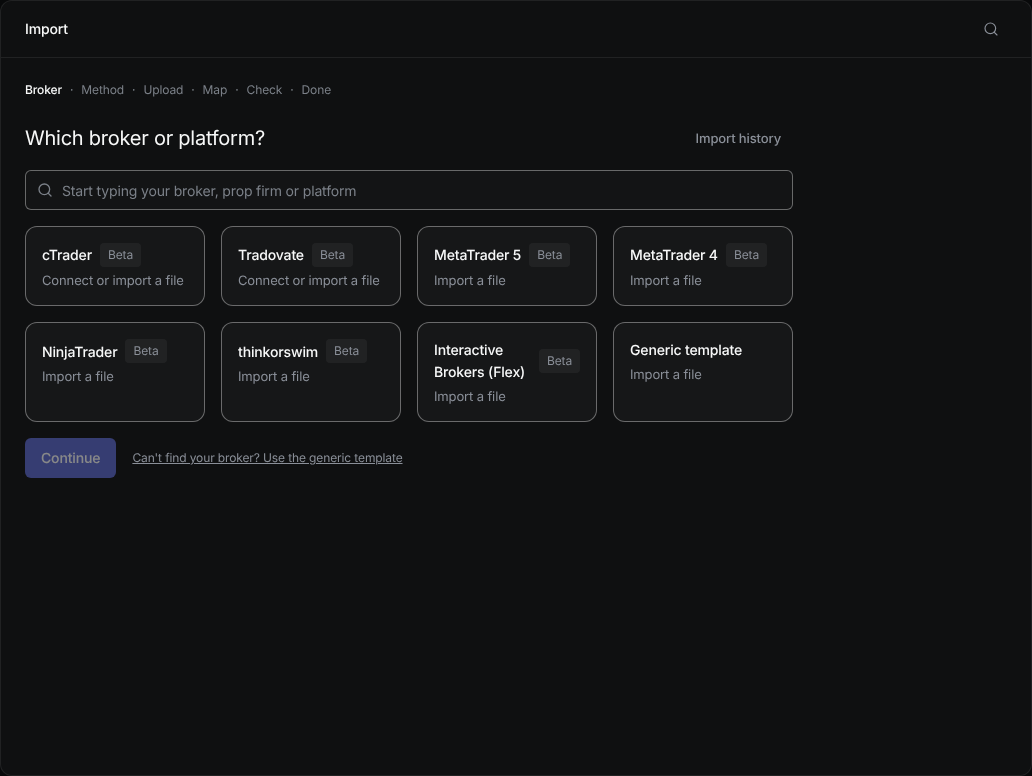
Open Import and choose your broker or platform, or type your prop firm's name in the search. If it isn't listed, choose Generic template.
Export the file from your platform
Each broker's tile says which report to export. Save it to your computer.
Upload and check
Drop the file in. The app shows how it read the columns and how many trades it will create. Fix any column it got wrong.
Import
Confirm. Trades you already have are skipped, so importing the same file twice never creates copies.
Was this helpful?