Take your first screenshot (2 min)
Updated 8 October 2026
On this page
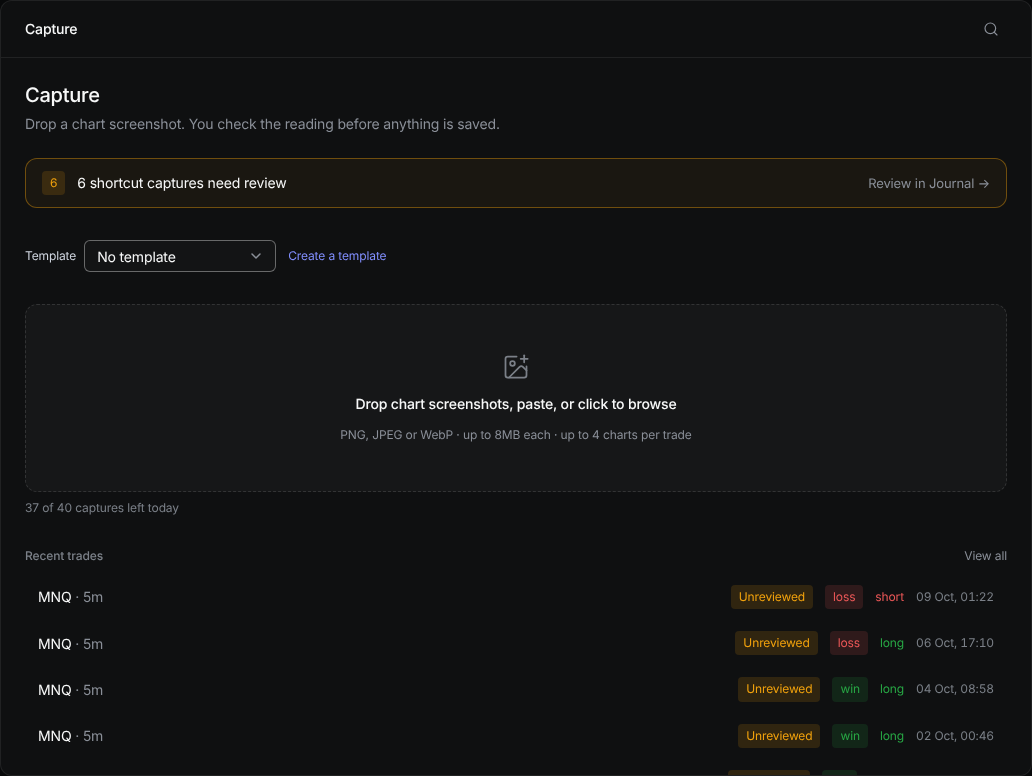
Capture turns a chart screenshot into a journal row.
Drop the screenshot in
Open Capture. Paste a screenshot, drag one onto the box, or click to choose a file: PNG, JPG or WebP, up to 8 MB each, and up to 4 charts for one trade.
Check what was read
The app shows each value it found next to your chart. Change anything that is wrong. Nothing is saved until you confirm.
Save it
Confirm the trade. It appears in your journal and counts towards your reports straight away.
Was this helpful?